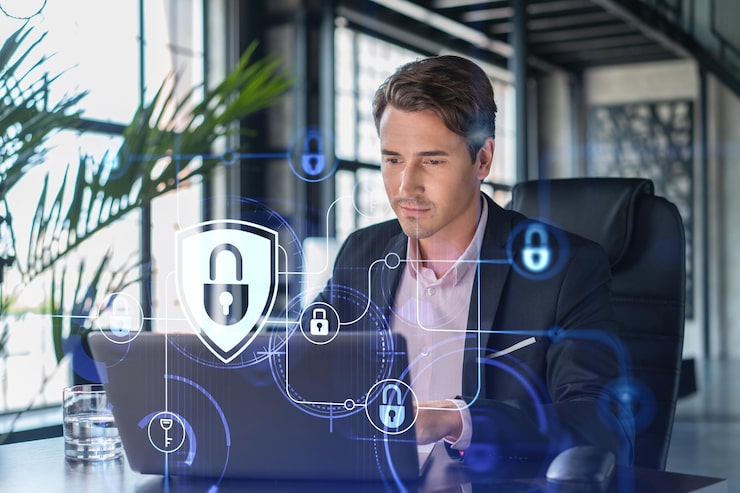
Many businesses in Harlow now allow staff to work from home, visit client sites, travel, or access systems outside the office. Remote access gives teams flexibility and helps businesses stay productive from different locations.However, remote access also needs strong security. If it is not managed properly, attackers may try to exploit weak passwords, exposed systems, insecure devices, or poorly configured access tools.A remote working setup should make life easier for employees without putting business data at risk.Better remote access security helps protect files, systems, customer information, and business communication wherever staff are working.
Remote Access Can Create Security Gaps
When employees work outside the office, they may connect from home networks, public Wi-Fi, personal devices, or different locations. Each of these situations can create risk if proper controls are not in place.Attackers often look for remote access systems because they can provide a way into the wider business environment. If an account is compromised, an attacker may access email, files, cloud platforms, or internal systems.Businesses in Harlow should regularly review how remote access is set up and whether it is still secure.Remote working should never depend on passwords alone.
Multi-Factor Authentication Is Essential
Multi-factor authentication is one of the most important protections for remote access. It requires users to confirm their identity with something more than a password.This makes it much harder for attackers to access accounts, even if they steal login details through phishing or password leaks.Businesses should use multi-factor authentication for Microsoft 365, remote desktop tools, VPNs, cloud platforms, finance systems, and any application that holds important business data.This simple control can significantly reduce the risk of account compromise.
Devices Need to Be Secure
Remote access is only safe if the devices being used are properly protected. A laptop that is outdated, infected, or unmanaged can create risk for the business.Businesses should make sure remote devices are updated, protected with endpoint security, encrypted where appropriate, and monitored.Staff should also avoid using personal devices for business work unless the business has approved and secured them.Device security is an essential part of remote access protection because every remote device becomes a potential entry point.
Access Should Be Limited by Role
Not every employee needs access to every system. Remote access should be based on role and need.If a staff member only needs access to email and a few shared documents, they should not have access to sensitive financial files or admin settings.Limiting access helps reduce damage if an account is compromised. It also makes the business easier to manage.Regular access reviews are important, especially when employees change roles or leave the company.
Secure File Sharing Matters
Remote workers often need to share files with colleagues, customers, or suppliers. If file sharing is not controlled, confidential documents may be exposed.Businesses should use secure cloud platforms with proper permissions instead of relying on unsafe sharing methods. Public links, personal email accounts, and unapproved file transfer tools should be avoided.A trusted IT partner such asFreshstance can help businesses improve secure file sharing, manage cloud permissions, and protect remote access.This helps staff work flexibly while keeping business data safer.
Staff Training Supports Remote Security
Technology controls are important, but staff awareness also matters. Remote workers should understand phishing risks, safe Wi-Fi use, password security, and how to report suspicious activity.They should also know what to do if a device is lost, stolen, or compromised.Clear training helps employees make safer choices when working outside the office.This is especially important for businesses with hybrid teams or staff who travel regularly.
Final Thoughts
Businesses in Harlow need better remote access security because flexible working creates new risks around accounts, devices, file sharing, and data protection.Strong multi-factor authentication, secure devices, controlled access, safer file sharing, and staff training all help reduce risk. With support fromFreshstance, businesses can create secure remote access that supports productivity without compromising security.